Claude Design
Claude Design is a powerful tool for generating polished UI screens, design systems, and interactive prototypes.
Tool Screenshot

My Video On This Tool
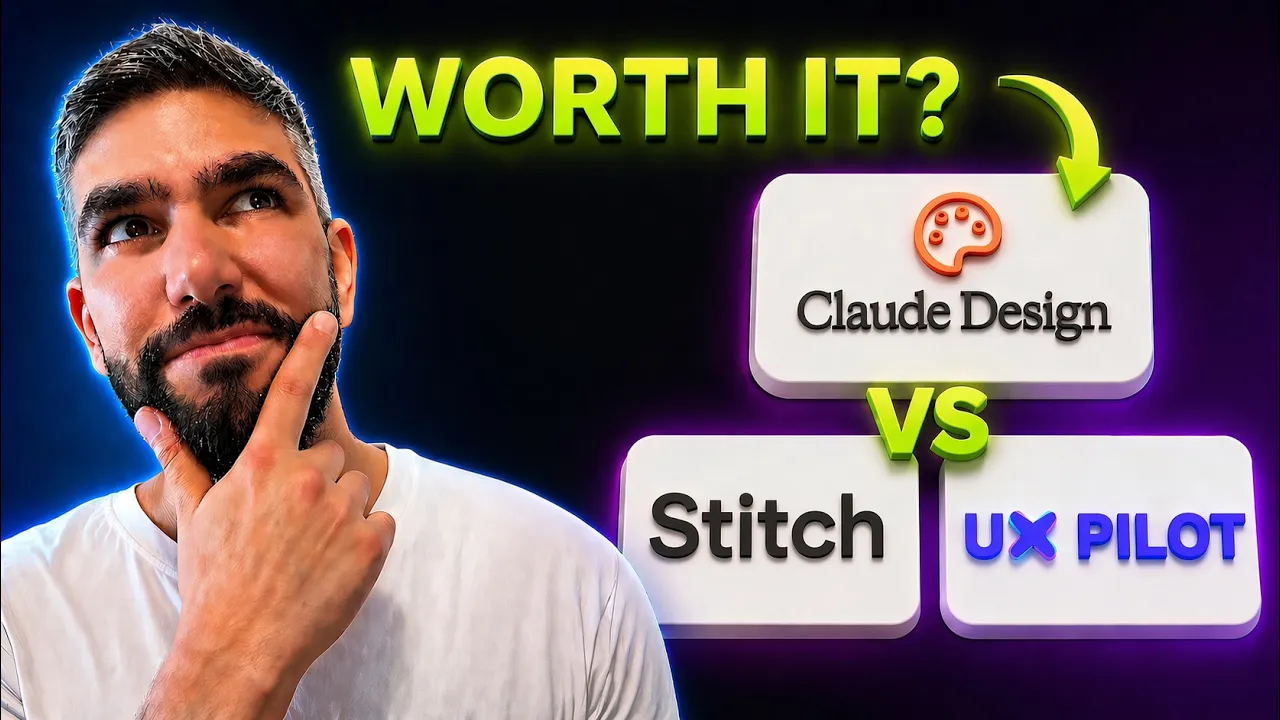
Similar Tools
Claude Design is a powerful tool for generating polished UI screens, design systems, and interactive prototypes.
Tool Screenshot
My Video On This Tool
Similar Tools
Overview
Claude Design is Anthropic’s design-focused AI workflow for turning prompts into clean, polished UI concepts and prototypes. The biggest strength is the quality of the first draft: layouts feel considered, visual hierarchy is usually strong, and the guided design system flow makes it easy to steer the output without constantly fighting the tool.
Claude Design is best when you want to explore a strong UI direction quickly: landing pages, dashboard concepts, product screens, and design system explorations. It is especially useful when you care about taste and structure more than raw code export. You can describe the product, the audience, and the vibe, then iterate toward a more refined result with surprisingly little setup.
High-quality UI generation: The designs often look more intentional than typical prompt-to-UI outputs, with better spacing, balance, and component structure.
Guided design system flow: Helps you keep colors, typography, and components consistent instead of getting a random new style every time you prompt.
Fast iteration: Great for exploring multiple layout directions, polishing a screen, or turning a rough idea into something you can actually react to.
Usage limits: The main downside. The output is impressive, but the tight limits can interrupt the flow right when you start getting somewhere.
Claude Design feels like one of the strongest AI design tools for pure UI quality. I like the direction a lot: the results are clean, the design system guidance is smooth, and it understands visual refinement better than most tools in this category. The only thing holding it back is the usage cap. If that becomes less restrictive, this could easily become a go-to tool for serious AI-assisted design exploration.