Framer
AI website platform with agents that edit the canvas, plus CMS, hosting, animation, SEO, analytics, and visual design tools.
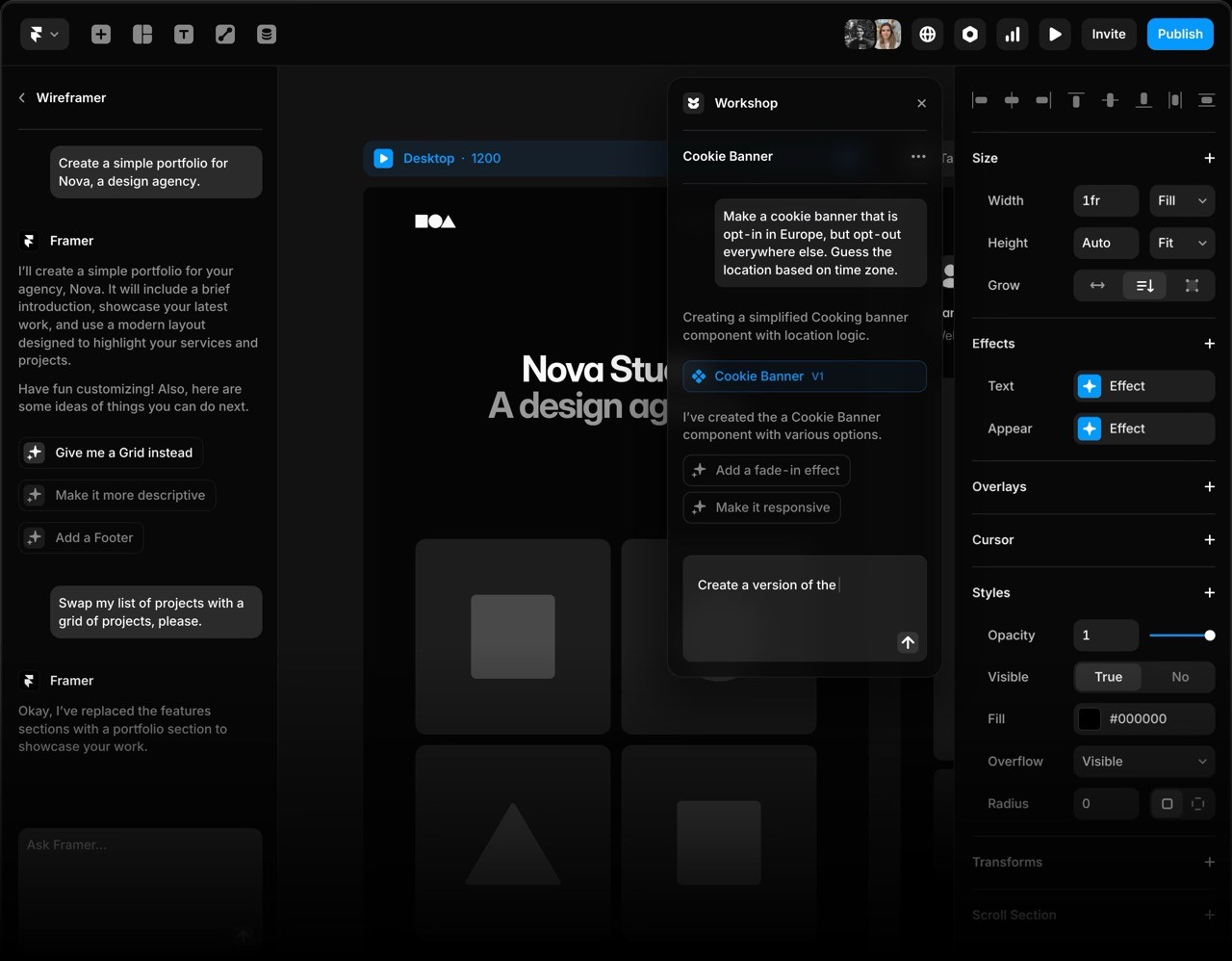
Tool Screenshot
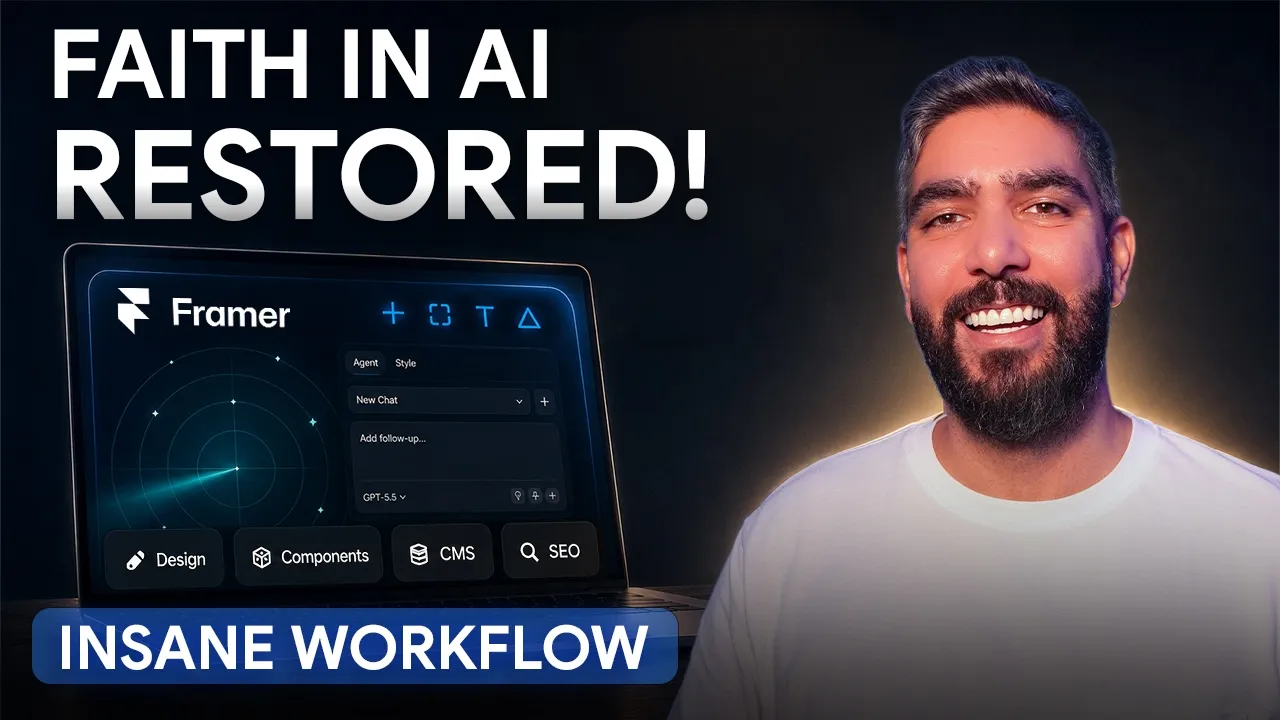
My Video On This Tool
Similar Tools
AI website platform with agents that edit the canvas, plus CMS, hosting, animation, SEO, analytics, and visual design tools.
Tool Screenshot
My Video On This Tool
Similar Tools
Overview
Framer has evolved from a no-code website builder into a full AI-powered website platform. It now combines a pixel-perfect visual canvas, CMS, hosting, SEO, analytics, animation, localization, collaboration, and AI Agents that can control the canvas directly. Instead of jumping between Figma, Webflow, CMS plugins, animation tools, SEO dashboards, hosting panels, analytics scripts, and AI code generators, Framer brings the entire workflow into one place.
The biggest shift is the new agentic workflow: Framer’s AI Agents can understand your site structure, edit anything on the canvas, create and update sections, wire CMS content, adjust responsive layouts, refine animations, tune SEO metadata, and keep everything editable. You still get designer-level control, but now you can delegate huge parts of the build to AI without losing ownership of the final result.
Framer lets you design, build, manage, optimize, and publish a production website from one visual workspace. The canvas feels familiar if you come from Figma, but every layer can become a live website element. You can create responsive pages, reusable components, CMS-powered directories, blogs, landing pages, forms, animations, and full marketing sites without handing the project off to a developer.
On top of that, Framer’s AI layer can now work like a site-building teammate. Ask it to redesign a section, add a page, rewrite CMS content, make a layout responsive, create components, improve hierarchy, or update metadata, and it can act directly inside the project instead of only giving you instructions.
Designers and agencies who want Figma-level visual control and client-ready publishing in the same tool
Founders and solo creators building landing pages, tool directories, portfolios, and content sites without stitching together multiple products
Content teams that need a real CMS, strong SEO foundations, analytics, and fast publishing
AI-first builders who want agents to do real production work on a live canvas instead of generating disposable mockups
AI Agents that control the canvas: Framer’s newest AI workflow can create, edit, and refine real website layers directly. It can adjust layouts, update copy, create components, connect CMS content, tune breakpoints, and make changes that remain editable in the visual editor.
Visual canvas: A free-form, designer-friendly canvas with stacks, grids, breakpoints, reusable components, effects, and precise control over typography, spacing, surfaces, and interactions.
Built-in CMS: Create collections for tools, articles, products, team members, directories, and more. Use custom fields, dynamic pages, collection lists, filters, sorting, and structured content without relying on an external CMS.
Hosting and publishing: Fast global hosting, SSL, custom domains, redirects, staging workflows, and one-click publishing are built in, so you do not need a separate hosting provider or deployment setup.
Animation and interaction tools: Build hover states, scroll effects, page transitions, overlays, drawers, carousels, reveal animations, and micro-interactions visually without writing JavaScript.
SEO controls: Page titles, descriptions, social images, sitemaps, clean URLs, robots settings, performance optimization, and CMS-driven metadata are handled inside the project.
Analytics: Framer includes site analytics for understanding traffic and engagement without immediately needing a separate analytics stack.
AI copy and site operations: Use AI to generate pages, improve wording, rewrite CMS entries, translate, restructure content, and make site-wide improvements without leaving the builder.
Framer can replace a surprising amount of the traditional web stack: a visual design tool for web layouts, a no-code builder, a CMS, hosting, animation tooling, SEO plugins, analytics setup, form builders, landing page templates, and parts of the developer handoff process. For many websites, especially marketing sites, portfolios, directories, blogs, SaaS pages, and creator projects, you can go from idea to live site without leaving Framer.
Framer is no longer just the tool designers use to publish beautiful websites. With AI Agents now able to work directly on the canvas, it feels closer to an AI website operating system: design, CMS, hosting, animation, SEO, analytics, and iteration all in one place. If you want the speed of AI without giving up visual control, Framer is one of the strongest website builders available right now.