UX Pilot
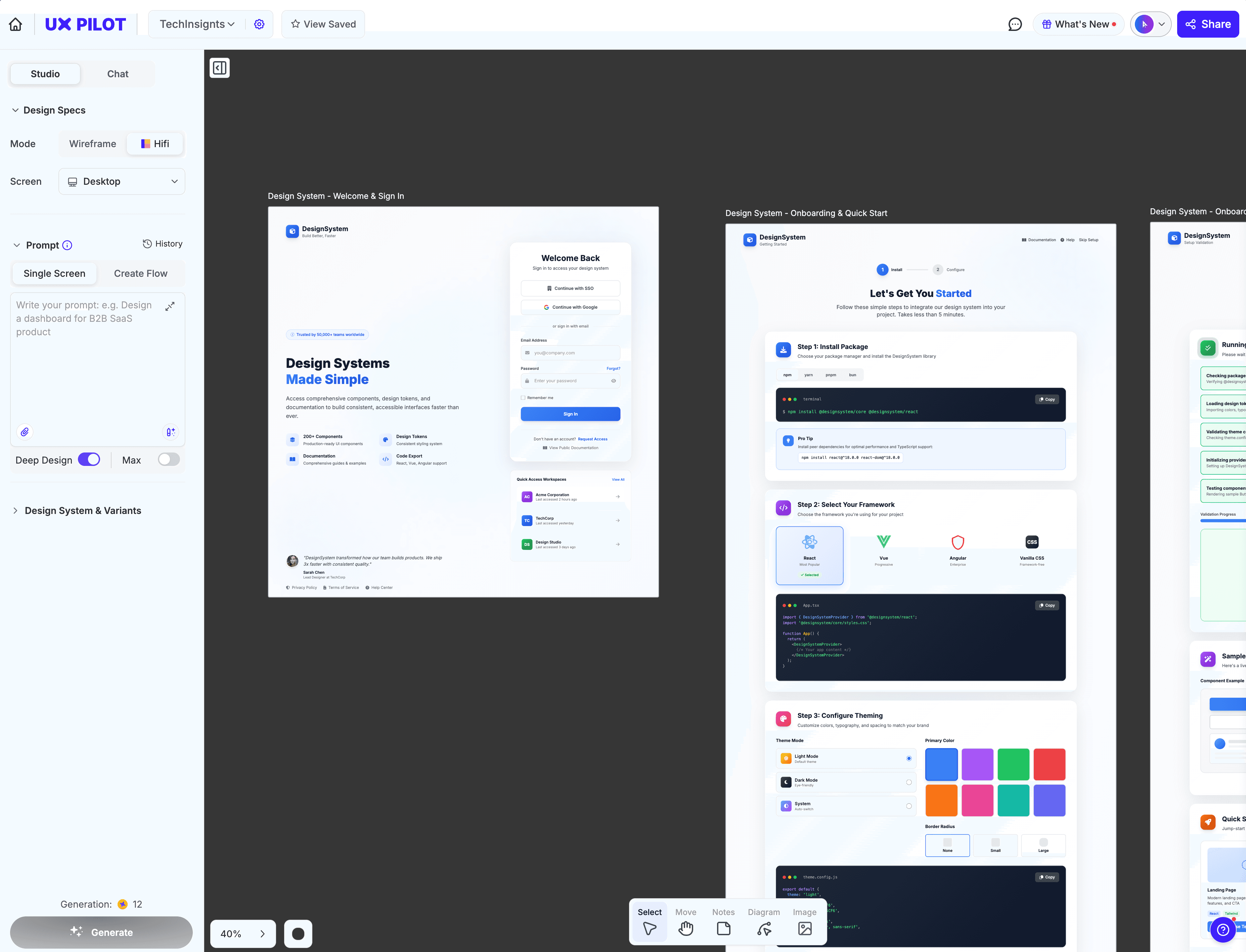
AI UX/UI design tool that turns prompts into wireframes, high-fidelity screens, and complete user flows in seconds.
Tool Screenshot
My Video On This Tool
Similar Tools
AI UX/UI design tool that turns prompts into wireframes, high-fidelity screens, and complete user flows in seconds.
Tool Screenshot
My Video On This Tool
Similar Tools
Overview
UX Pilot is an AI-powered UX/UI design platform that turns text prompts into wireframes, high-fidelity screens, and complete user flows in seconds. Built on a custom model trained specifically for UI/UX, it covers the entire product design process from ideation to developer handoff, replacing the stack of AI tools designers used to juggle.
UX Pilot takes a product idea and generates everything around it: homepage variations, connected screen flows, interactive prototypes, fully coded design systems, user testing surveys, and collaborative workshop templates. The output is clean, production-ready code (React, HTML, Tailwind) that developers can copy directly, and every design can be exported to Figma for further refinement.
The platform offers three generation modes: Blitz for quick iterations and A/B variations, Deep Design for detailed, feature-rich screens, and Max for highly creative outputs where the AI adds extra context and polish. You can train UX Pilot on your own Figma design system so every generated screen matches your brand components, colors, and typography out of the box.
UX Pilot is built for product designers, UX researchers, startup founders, and product teams who want to move faster through ideation and prototyping without sacrificing design quality. It's especially useful for:
Solo designers and freelancers shipping client work faster
Startup teams prototyping without a full design department
Figma power users who want AI assistance inside their existing workflow
Product managers turning PRDs directly into UI
Design teams that need to standardize patterns across multiple projects
Autoflow: generate every screen in a product flow (sign-up, dashboard, checkout, settings) in one batch with consistent navigation and branding
Chat mode with agents: ideate in a native chat interface while specialized agents handle copywriting, layout, styling, and code in parallel
Design system training: import your Figma components, colors, and tokens so generated screens stay on-brand
Global, section, and manual editing: apply one prompt across every screen, edit a specific element with natural language, or drag components by hand
FigJam plugin: generate features, flowchart diagrams, facilitated workshops, and wireframes directly inside FigJam boards
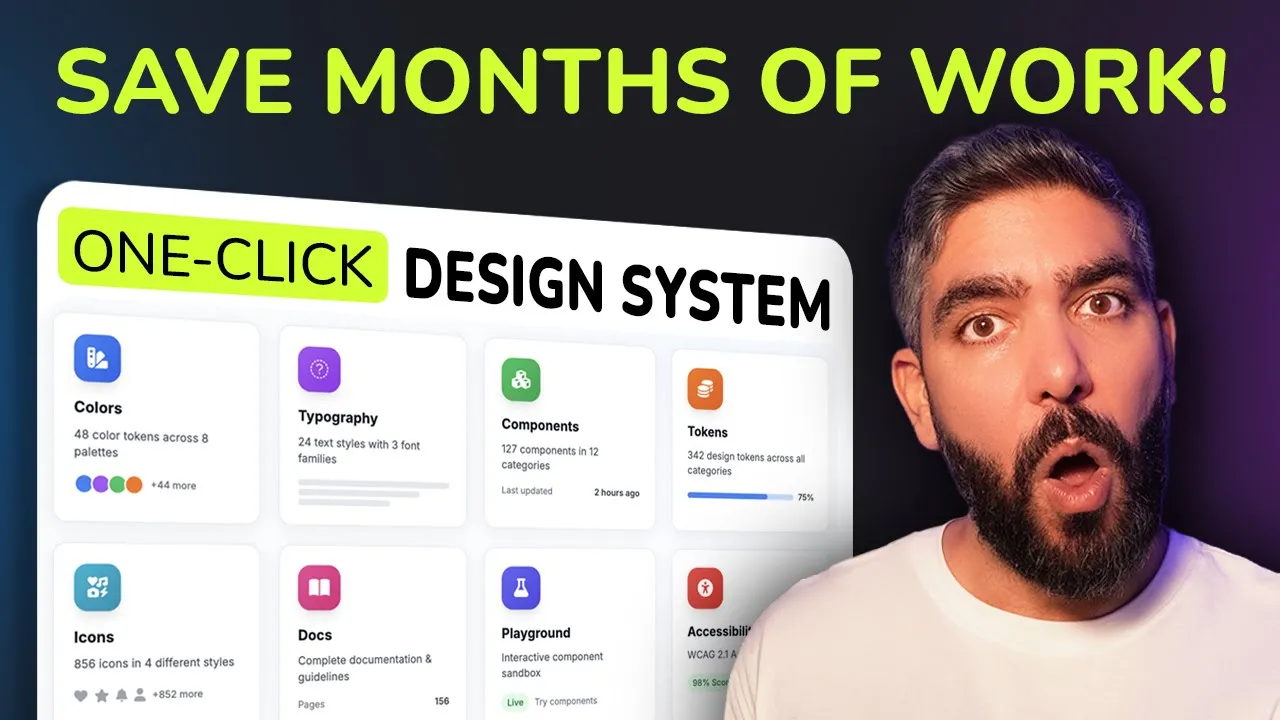
Design system generator: build a complete interactive design system (components, tokens, typography, playground, documentation) from your existing screens
Interactive survey builder: ship fully coded usability surveys with quantitative and qualitative questions, ready to deploy and collect real user feedback
Screen variations: produce multiple layout alternatives for the same screen to compare directions instantly
Code export: clean React, HTML, and Tailwind output ready for implementation
Figma integration: bidirectional sync between the web platform and Figma, with a plugin that has over 100,000 installs
Image and sketch to design: upload screenshots, reference sites, or hand-drawn sketches and convert them into high-fidelity UI
PRD to UI: turn product requirement documents directly into coded screens
Interactive prototypes: link all generated screens into a clickable prototype for user testing in one click