Figma Make
AI prompt-to-app tool by Figma that turns your designs into fully working interactive prototypes and web apps.
Tool Screenshot
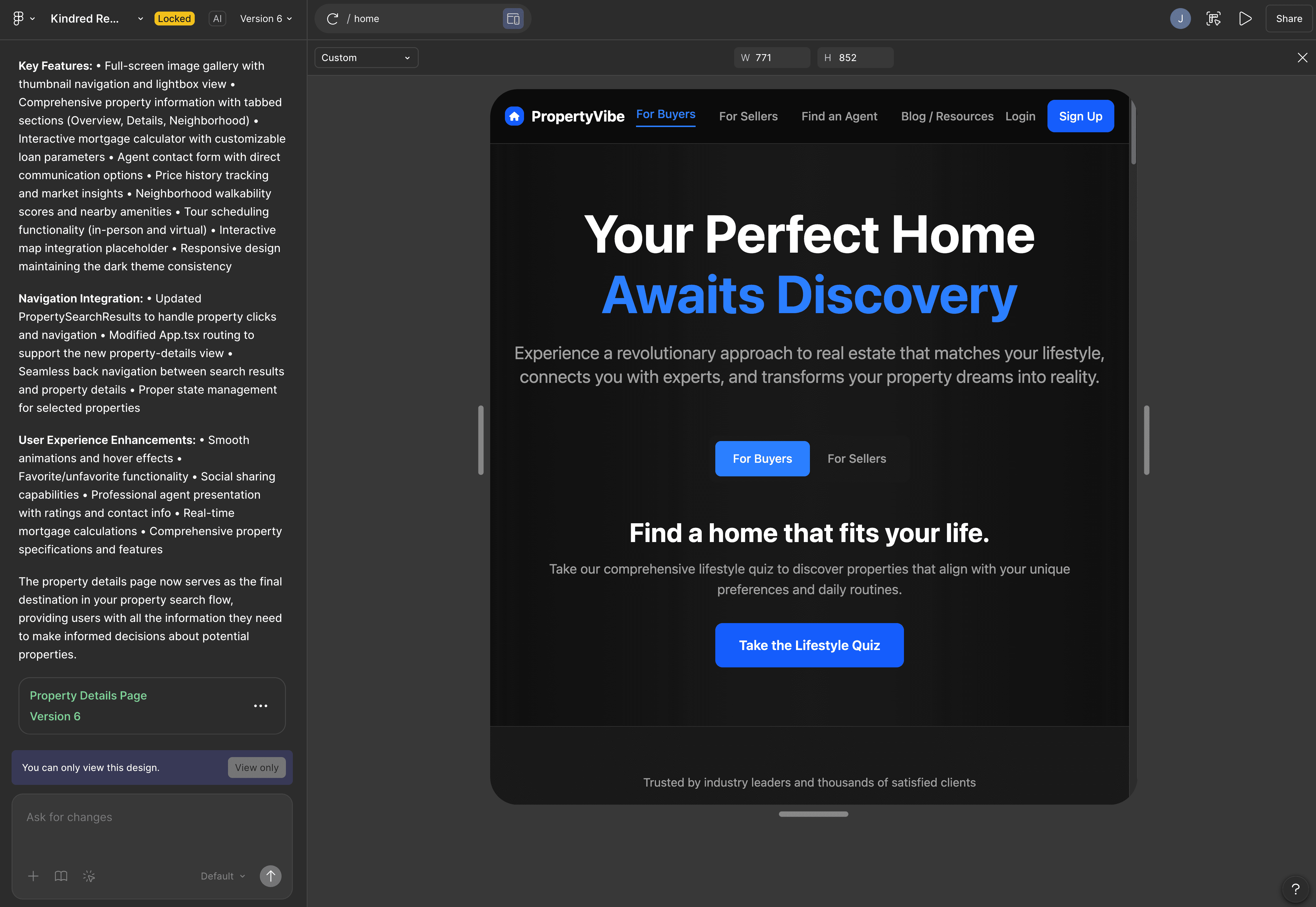
My Video On This Tool

Similar Tools
AI prompt-to-app tool by Figma that turns your designs into fully working interactive prototypes and web apps.
Tool Screenshot
My Video On This Tool
Similar Tools
Overview
Figma Make is Figma's AI-powered prompt-to-app tool that transforms static designs into fully functional, interactive prototypes and web apps. Instead of juggling separate platforms for design, prototyping, and code, you can start with a frame or a natural language prompt inside Figma and generate a working UI with animations, real data, and responsive layouts in minutes.
What sets Figma Make apart from other AI coding tools is its native connection to the Figma ecosystem. You can import your own design system through Make kits, pull styling and components from your Figma libraries, and copy the generated preview back into Figma Design as editable layers. It's the only AI coding tool that moves designs both ways between AI-generated code and your Figma file, making handoff and iteration dramatically smoother.
Designers who want to hand off interactive prototypes instead of written specs, so engineers see the intent rather than read about it.
Product managers and entrepreneurs building MVPs or proofs of concept without a technical background.
Design teams that want to test interactions, animations, and dynamic data before committing engineering resources.
Anyone already working in Figma who wants to extend their design system into functional, high-fidelity code without leaving the platform.
Prompt-to-app generation: Describe your idea in plain language and get a working prototype powered by Claude.
Figma library import: Bring your color palette, typography, and components into Make to stay on-brand and consistent with your design system.
Make kits: Import Figma Design libraries as React components, ideal for teams working with established design systems.
Edit tool: Point to any element in the preview and prompt specific changes (padding, colors, text, animations) without writing code.
Copy back to Figma Design: Snapshot previews as editable design layers and keep iterating inside your Figma file.
Supabase integration: Add a real backend with user authentication, data storage, and private APIs to ship web apps, not just prototypes.
Responsive adaptations: Generate desktop, tablet, and mobile versions of the same design.
Attachments: Add PDFs, code files, PRDs, brand guidelines, images, CSVs, JSON, and media so Make builds with real project context.
Templates: Share starting points across your team to keep generated output aligned with your standards.
Multiplayer collaboration: Work in the same Make file with teammates in real time.
If you live in Figma and want to extend your designs into working, interactive experiences without leaving the platform, Figma Make is the most seamless option on the market. It's the strongest pick for designers focused on handoff quality, product teams exploring directions fast, and founders validating a concept before bringing in engineering.